Search
Explore digital transformation resources.
Uncover insights, best practises and case studies.

Search
Explore digital transformation resources.
Uncover insights, best practises and case studies.
Working with Dynamics 365 Business Central, I’ve often found that the out-of-the-box (OOB) APIs don’t fully meet real-world integration needs. Whether it’s missing fields, unsupported entities, or the need for custom logic, many scenarios require more flexibility.

Service
Industry
At Nortal, we frequently help clients extend Business Central’s standard capabilities through custom APIs—addressing gaps in OOB functionalities and enabling seamless integrations with their ecosystems.
At Directions North America 2025 in April, I shared practical strategies for extending Business Central using custom APIs. In this blog post, I’ll walk you through what they are, how to build them, and how to use them effectively.
Custom APIs in Business Central are REST-based endpoints that allow you to expose data from custom or extended tables or implement custom business logic, following Microsoft’s API architecture and conventions.
Think of it this way: while standard OOB APIs cover core entities like customers, vendors, and sales orders, custom APIs let you define exactly what data and behavior you want to expose externally. You do this through special API pages (PageType = API) and bound actions to trigger server-side logic when needed.
In simple terms, custom APIs are your way to "open the box" to securely and efficiently offer the API your integration scenarios need.
Here are the most common scenarios we see at Nortal:
Standard APIs have restrictions.
A clean and well-prepared development environment is the foundation of building reliable APIs in Business Central.
Before you start coding, it’s essential to configure the tools, permissions, and test environment that will let you develop, test, and validate your APIs efficiently without impacting production data.
To build and test custom APIs, make sure you have:
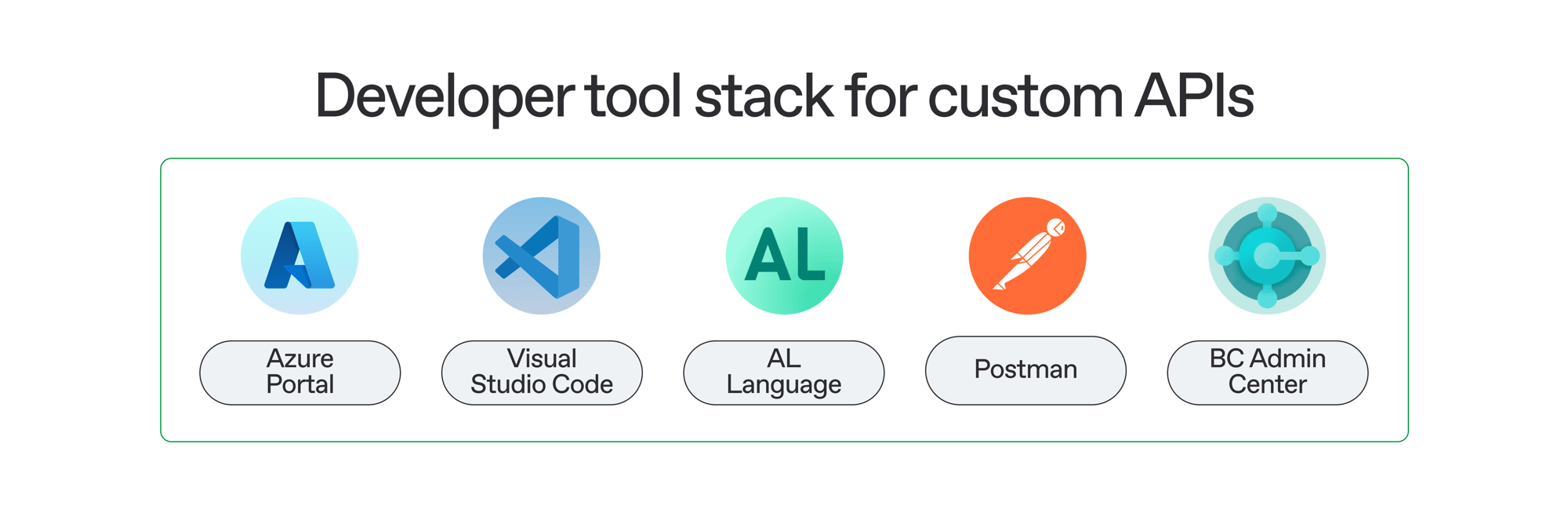
These are the tools I typically rely on when developing custom APIs:
Once your environment is ready and your tools are installed, you're set to start creating your first API page. Let’s walk through that next.
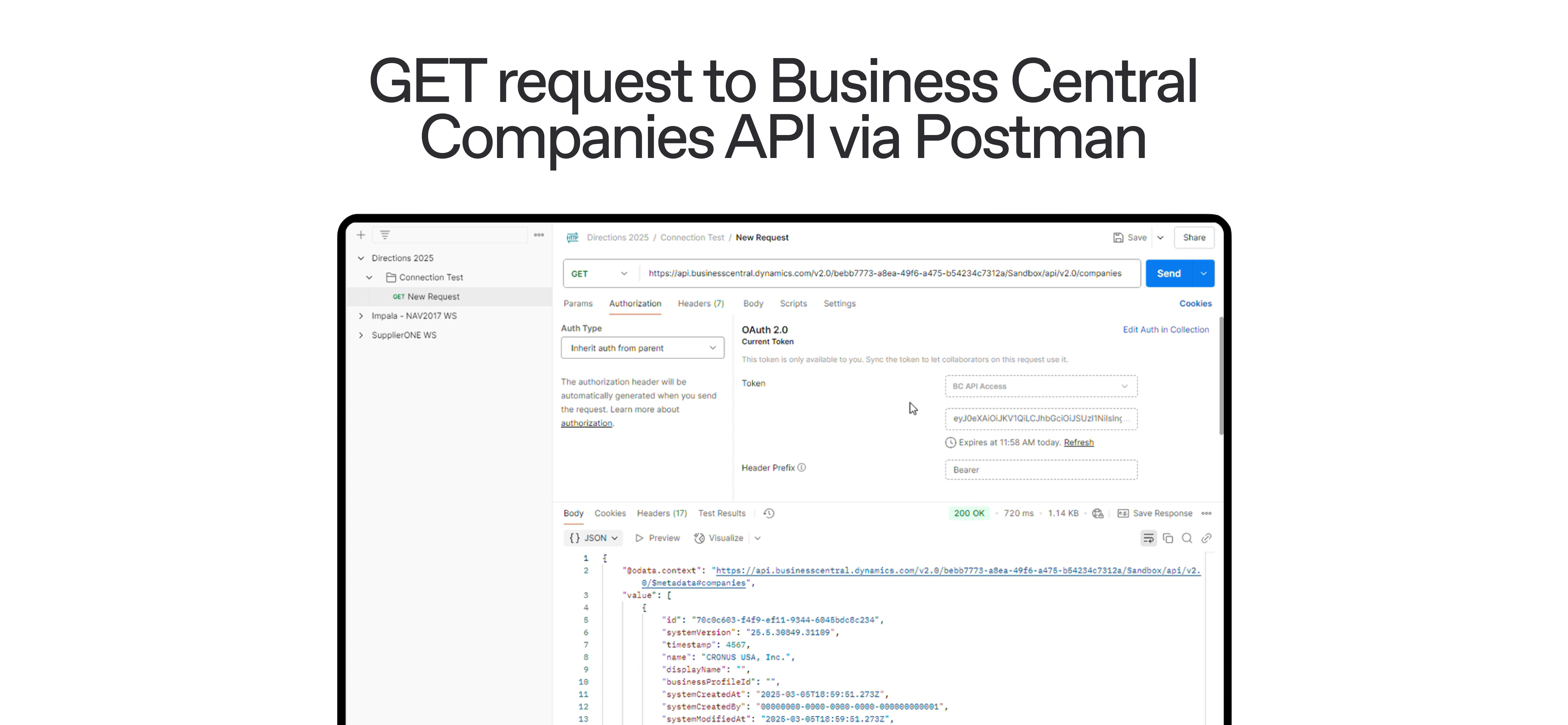
Now that your development environment is ready, let’s build your first custom API!
The good news is that creating a custom API in Business Central is straightforward once you understand the building blocks of AL tables, API pages, and optional bound actions.
By following these steps, you’ll create a REST-compliant API that external systems can easily consume using the same patterns as Microsoft’s standard APIs.
If you need to expose custom tables, you need to create them first:
table 50100 "My Custom Table"
{
// Define fields here
}
Now you define how this data will be exposed via REST. The API page serves as your contract with the external world:
page 50100 "My Custom API"
{
PageType = API;
SourceTable = "My Custom Table";
APIPublisher = 'mycompany';
APIGroup = 'integration';
APIVersion = 'v1.0';
EntityName = 'customentity';
EntitySetName = 'customentities';
layout
{
//Add your fields here
}
}
If you need to expose server-side logic (to post a document, trigger workflow, etc.), you can define bound actions:
actions
{
action(ProcessCustomLogic)
{
ApplicationArea = All;
trigger OnAction();
begin
// Your custom logic
end;
}
}
Bound actions support HTTP POST requests and allow external apps to trigger custom behavior.
Once published, your custom API is automatically available via the standard Business Central API URL format:
https://api.businesscentral.dynamics.com/v2.0/{tenant}/sandbox/api/mycompany/integration/v1.0/customentities
After authenticating using OAuth2, you can use Postman (or any REST client) to:
Pro tip: Always test edge cases (empty fields, special characters, date ranges). This helps avoid surprises when you move to production.
Once your basic API is working, you can start adding features like filtering, sorting, pagination, and versioning, which we’ll cover in the next sections.

When building custom APIs, performance and security should always be top priorities—especially if your APIs will be exposed to public or partner systems.
At Nortal, we always prioritize performance and security when designing APIs, especially when they will be exposed to public or third-party systems.
Here are some key best practices:
At Nortal, we regularly observe recurring scenarios where custom APIs in Business Central can unlock smarter integrations and more agile business processes. While every organization has its nuances, the following examples reflect common needs we’ve seen across industries.
One of the most common scenarios we observe is the integration between Business Central and e-commerce platforms. Organizations often need to expose product catalogs, dynamic pricing, and real-time inventory levels to their online storefronts. Custom APIs provide the flexibility to tailor this data exposure, enabling seamless synchronization between the ERP and digital sales channels while reducing the reliance on manual updates or third-party connectors.
Another frequent use case involves the Power Platform, where businesses look to trigger automated workflows or processes based on events in Business Central. By exposing specific entities or actions via custom APIs, it's possible to integrate Business Central with Power Automate or Power Apps, enabling low-code solutions that streamline operations, improve responsiveness, and reduce the need for custom development.
We also see growing interest in supporting mobile sales teams with real-time access to business data. Field representatives often require lightweight, fast, and focused tools to retrieve customer information, check product availability, or register new orders. Custom APIs enable the development of mobile-friendly applications that connect directly to Business Central, providing the necessary data in an efficient and reliable format.
In logistics and supply chain operations, custom APIs are often considered to automate data exchange with external partners, such as third-party logistics providers. These APIs can facilitate the transmission of purchase orders, shipping confirmations, and inventory updates, improving communication and reducing manual intervention. By structuring this integration through custom endpoints, organizations can achieve better accuracy, faster turnaround times, and increased scalability in their fulfillment processes.
Here are a few additional tips I always share with new API developers:
Custom APIs are one of the most powerful ways to extend Business Central’s capabilities. They open the door to real innovation by enabling modern, scalable integrations with internal apps, partner systems, and external platforms.
Building great APIs goes beyond just writing code. It’s about thoughtful design, solid performance, robust security, and long-term maintainability.
If you want to accelerate your API projects or need expert guidance, consider partnering with Nortal. Our team of seasoned Business Central developers and integration specialists can help you design and deliver enterprise-grade APIs that are tailored to your business and ready to scale.
Nortal is a strategic innovation and technology company with an unparalleled track-record of delivering successful transformation projects over 20 years.